Get PXLUR
Free on the App Store for iPhone. Live wallpapers that move when you wake your phone.
Key features
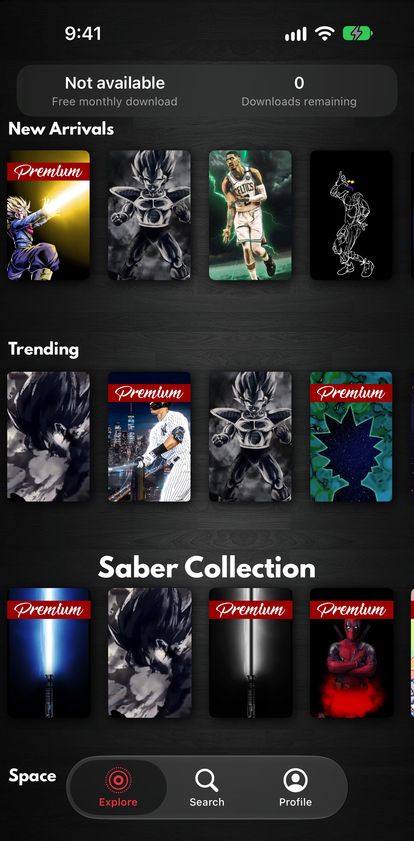
Browse a growing library of live wallpapersNew Arrivals, Trending and themed collections.
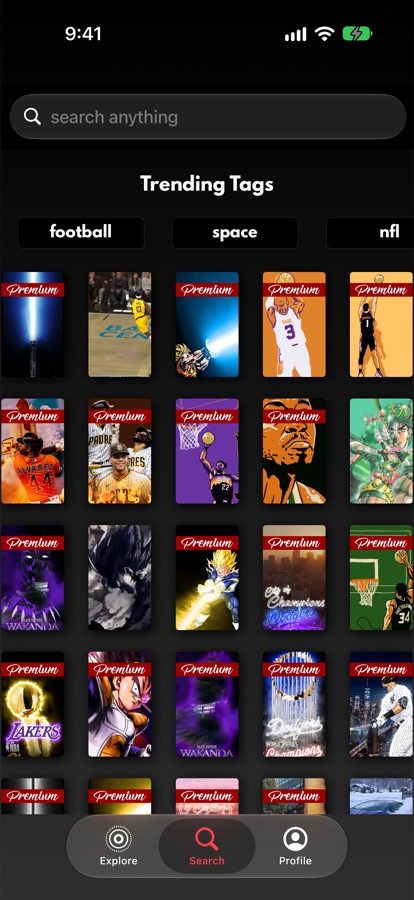
Search by name or keywordTeams, players, characters, places — or tap a trending tag.
Save and set as your wallpaperSaved as a Live Photo, ready for your Lock Screen.
Upload and share your ownLive Photos, artwork or any image you create.
How to set a live wallpaper
There’s also a step-by-step guide inside the app under Profile → Settings → How to set Live Wallpaper.
Save the wallpaper in PXLURIt is saved to Photos as a Live Photo.
Open Settings → WallpaperTap Add New Wallpaper, then Photos.
Choose your Live PhotoMake sure Live Photo is turned on, then tap Add.